Private text utility

Count Text Entries

Count literal text, whole-word matches or regular-expression occurrences with case and overlapping-match controls. The original content remains available while you inspect the output.

● Runs locally in your browser · No sign-up

Count Text Entries workspace

Add an article, log, list or data export plus a word, phrase or pattern, choose the options and review the generated result beside the source.

Browser processing · No upload
Processing options

Control the result

Settings update your next run and remain in this browser tab.

Source characters0
Source lines0
Result characters0
Result lines0
Ready when you are.

Quick Tool Overview

Count the entries without repetitive manual editing.

The Count Text Entries is designed for measuring keyword frequency, checking repeated labels, auditing identifiers and counting structured patterns in pasted text. Paste plain text, select the relevant processing rules and get a total match count with the first match positions in a separate result area.

Processing happens in the browser, so even long lists can be handled without submitting the content to a remote text service. Always review the result when formatting, code or imported data is sensitive to whitespace.

#TFocused workflow
LiveClear feedback
LocalPrivate text
TXTCopy or export
Faster text cleanup

Turn a repetitive edit into one reviewable action.

Keep the source visible, apply explicit options and export only after the output matches your goal.

Open Count Text Entries

About the Tool

What the Count Text Entries is for.

Focused processing

It is purpose-built to count every matching text occurrence without distracting document-editing features.

Practical input

Use an article, log, list or data export plus a word, phrase or pattern; the page treats it as text and never executes pasted code.

Side-by-side review

The source and result remain separate so you can compare formatting before copying anything.

Browser privacy

The page performs its work locally and does not upload the supplied text for processing.

Repeatable rules

Explicit settings make the same cleanup easier to reproduce on another block of text.

Review still matters

Whitespace, Unicode and line endings can be meaningful, so inspect important output in its destination system.

Key Features

A complete workflow from source to export.

#T

Purpose-built controls

Options match the transformation instead of forcing a one-size-fits-all editor.

↔

Visible comparison

Keep the original beside the result for a quick accuracy check.

⌂

Local processing

Text stays in the browser tab while the utility runs.

↓

Easy handoff

Copy the result or save a plain-text file when the output is ready.

How to Use the Count Text Entries

Count the entries in six careful steps.

Prepare the source

Keep an original copy when working with important content, code or data.

Tip: Plain text produces the most predictable result.

Paste or type

Add an article, log, list or data export plus a word, phrase or pattern to the source editor.

Tip: Use Load sample first if you want to see the expected workflow.

Choose the rules

Review every available option and select the exact behavior you need.

Tip: Start with the default settings, then change one option at a time.

Run the tool

Apply the transformation or watch the live analysis update.

Tip: Large text blocks may be easier to verify in smaller sections.

Compare the result

Check line order, spacing, capitalization and totals against the source.

Tip: Pay special attention to empty lines and invisible whitespace.

Copy or download

Move the reviewed output into your normal document or development workflow.

Tip: Validate structured data in its destination before replacing the original.

Ready to work faster?

Count the entries in your browser.

No account, no text upload and no manual row-by-row editing.

Count the entries →

Frequently Asked Questions

Popular count text entries questions.

Yes. The Count Text Entries is available without an account, subscription or usage charge on this local website.

No. The transformation and analysis run inside the current browser tab. The text itself is not sent to the local server.

Plain text works best, especially an article, log, list or data export plus a word, phrase or pattern. Each visible line is treated consistently by line-based operations.

The source remains visible beside the result. Keep an original file when the text is important, and only use the result as source when you intentionally want another pass.

Programs can interpret Unicode characters, line endings, words and whitespace differently. Review the output under the rules of the system where you will use it.

Keep exploring

Similar Tools

Continue with related free tools selected from this category and the wider directory.

20 tools
Find and Replace Text tool previewFAText

Find and Replace Text

Replace literal text or regular-expression matches with case, scope and replacement-count controls.

Hashtag & Social Handle Extractor tool previewHSText

Hashtag & Social Handle Extractor

Extract hashtags and @usernames from pasted captions, comments or a local text file, remove duplicates, sort results, inspect counts on a summary canvas and copy or download clean lists.

Word Counter tool previewWCText

Word Counter

Count words, characters, sentences, paragraphs and estimated reading or speaking time live without uploading your text.

Add Line Breaks by Length tool previewALText

Add Line Breaks by Length

Wrap text at a maximum line length using exact character chunks or word boundaries, while preserving existing lines when needed.

Add Line Breaks by Text tool previewALText

Add Line Breaks by Text

Insert a new line before, after or instead of matching text, with literal, case-sensitive and regular-expression controls.

Add Text to Each Line tool previewATText

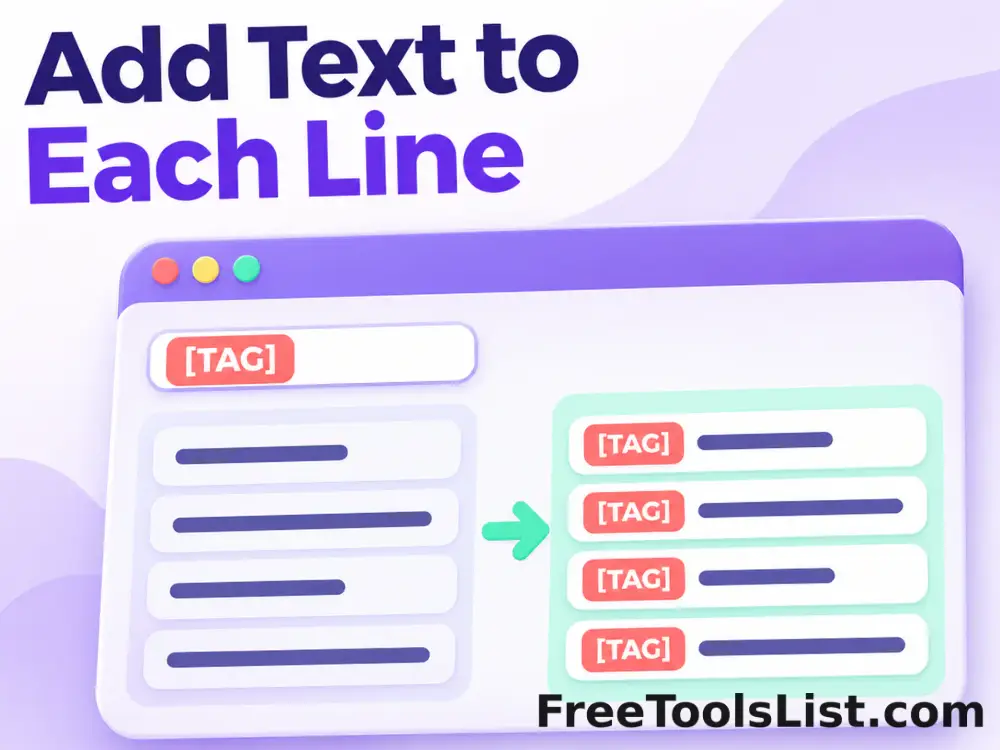
Add Text to Each Line

Add a prefix, suffix or line number to every line, with placeholders and empty-line handling, entirely in your browser.

ASCII Art Text Generator tool previewAAText

ASCII Art Text Generator

Turn short text into copyable ASCII artwork with selectable character palettes, font styles, output width, density inversion and a downloadable canvas preview.

ASCII Text Converter tool previewATText

ASCII Text Converter

Convert text to decimal UTF-8 byte or Unicode code-point values and decode valid decimal sequences back into readable text.

Bold Text Generator tool previewBTText

Bold Text Generator

Turn ordinary letters into copyable Unicode bold styles for profiles, posts, labels and messages.

Change Case Converter tool previewCCText

Change Case Converter

Convert text between uppercase, lowercase, sentence, title, alternating, secure random case and developer-friendly naming styles.

Character Counter tool previewCCText

Character Counter

Count grapheme characters, code units, words, lines, sentences and paragraphs with a detailed frequency table.

Clean Text tool previewCTText

Clean Text

Clean pasted text by repairing repeated spaces, punctuation spacing, sentence capitalization and unwanted single line breaks.

Column Extractor tool previewCEText

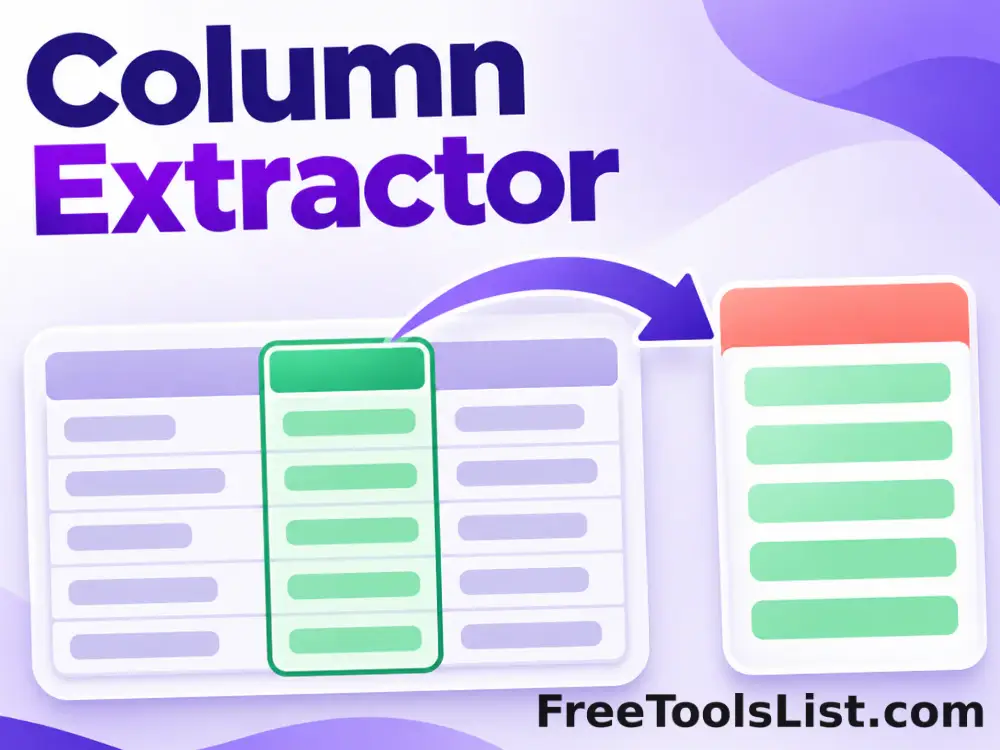
Column Extractor

Extract any numbered column from comma, tab, pipe, semicolon or custom-delimited text with trimming, quoted-field and header controls.

Convert Tabs to Spaces tool previewCTText

Convert Tabs to Spaces

Replace tab characters with a chosen number of spaces across all text or leading indentation only.

Cursive Text Generator tool previewCTText

Cursive Text Generator

Create copyable Unicode script and bold-script text for headings, profiles and creative messages.

Emoji Picker & Unicode Explorer tool previewEPText

Emoji Picker & Unicode Explorer

Search and copy 280+ emojis by name or category, inspect Unicode codes, save favorites, compose emoji text and preview or download it as a PNG.

Filter Lines tool previewFLText

Filter Lines

Keep or remove lines that contain, start with, end with or exactly match text, with case and RegEx options.

Hex Text Converter tool previewHTText

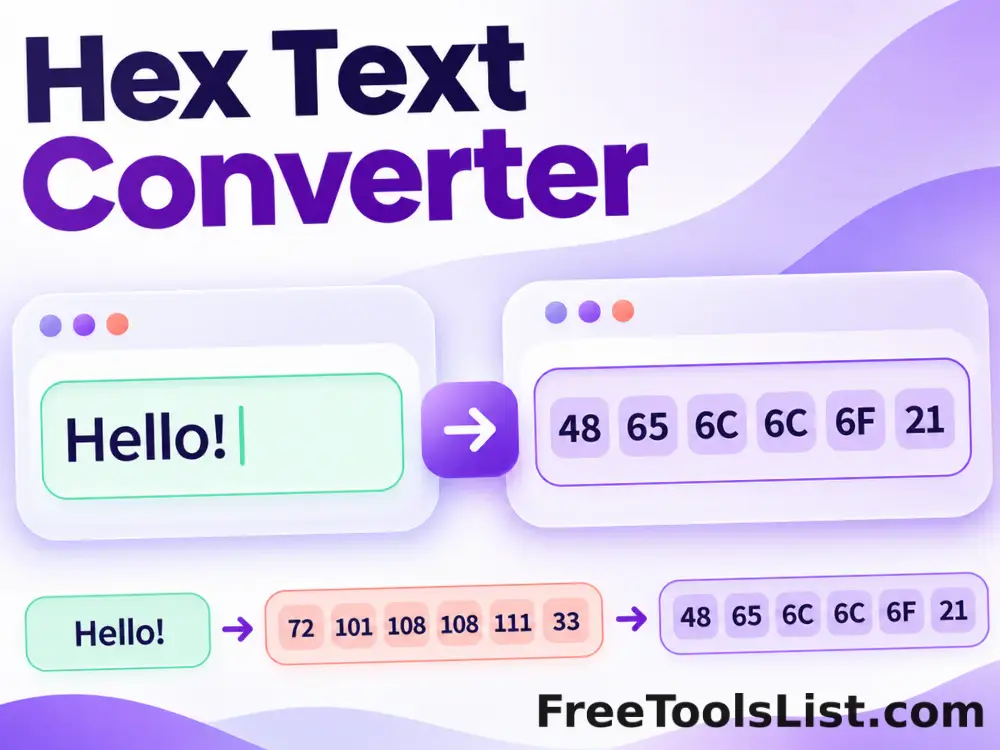
Hex Text Converter

Encode text as hexadecimal UTF-8 bytes or Unicode code points, then decode valid hexadecimal sequences back to text.

Italic Text Generator tool previewITText

Italic Text Generator

Create copyable Unicode italic and bold-italic text without requiring rich-text formatting.

Join Text & Remove Line Breaks tool previewJTText

Join Text & Remove Line Breaks

Join lines or text chunks with spaces, commas, tabs, line breaks or a custom separator.

PublishedUpdated