Search · copy · compose

Emoji Picker & Unicode Explorer

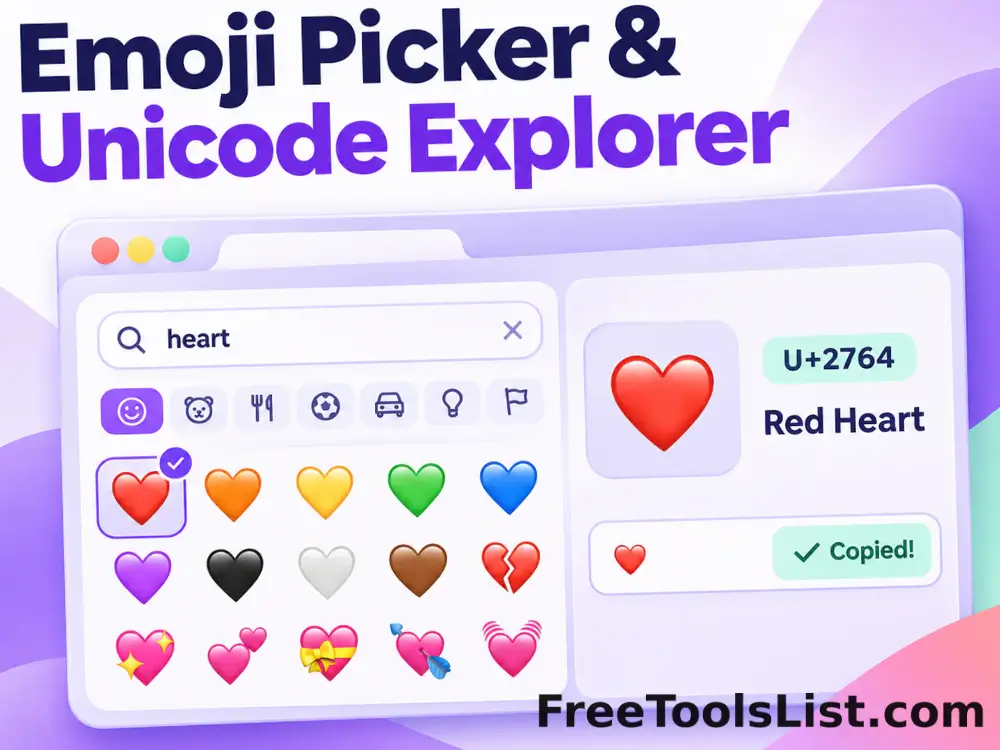
Find the right emoji by name, category or Unicode code. Copy it instantly, inspect its technical values, save favorites, or compose a polished PNG preview.

280+ searchable emojis10 categoriesUnicode detailsLocal canvas export

Emoji picker workspace

Search, copy, save, compose and preview—all in one compact workspace.

Runs locally
All emojis

Composition & canvas preview

Arrange emojis or text, then confirm exactly how the saved image will look.

640 × 320px

Choose an emoji to copy it or add it to your composition.

Appearance note: emoji artwork is supplied by your operating system, browser and destination app. The Unicode values stay the same, but the visual style can change after pasting or exporting.

Quick Tool Overview

Find, verify and reuse emoji without guesswork.

The Emoji Picker combines a searchable visual library with the technical information developers and content creators often need. Filter by one of ten categories or search a plain-language name, glyph or code point.

Selecting an emoji reveals its Unicode code points, JavaScript-style escape and HTML numeric entities. You can copy those values separately, maintain browser-local favorites, and build a multi-emoji composition before saving it.

280+Curated emojis
10Browse categories
LIVECanvas preview
0Uploads
About the Tool

An emoji library, inspector and composer together.

Search in ordinary language

Use terms such as “laugh,” “pizza,” “warning,” “camera” or a Unicode code such as U+1F600 to narrow the library immediately.

Browse familiar groups

Move between smileys, people, animals, food, travel, activities, objects, symbols and flags with compact category chips.

Understand the Unicode

Review the full sequence for a single code point or a multi-code-point emoji, including variation selectors and joined sequences.

Keep useful emojis close

Favorites and recently copied emoji are saved in localStorage for this browser profile. No account or cloud list is required.

Compose before exporting

Build a phrase, reaction or visual line, change the canvas dimensions and background, and inspect the result before saving.

Work privately

Search, storage, composition and canvas rendering all run in the page. Your text is not submitted to a conversion service.

Key Features

Practical controls for both quick copying and careful output.

⌕

Fast search

Match emoji names, groups, visible glyphs and Unicode code points as you type.

U+

Complete code details

Copy code points, brace-style Unicode escapes and decimal HTML entities separately.

★

Favorites and history

Return to useful or recently copied symbols without running the same search again.

PNG

Live image export

Preview dimensions, size, alignment, color or transparency before downloading a PNG.

Emoji & Unicode Guide

Choose the representation your next tool expects.

Visible emoji

Use the rendered character in messages, documents, social posts and interfaces that accept Unicode text.

😀

Code point

Use the U+ notation when documenting or identifying a character in technical references.

U+1F600

Escape or entity

Use a Unicode escape in code or an HTML numeric entity when a literal glyph is inconvenient.

\u{1F600} · 😀

How to Use the Emoji Picker

From search to saved result in five clear steps.

Search or browse

Enter a name, concept or Unicode code in the search box, or select a category chip.

Tip: Search “heart,” “flag” or “U+1F600.”

Select the emoji

Choose a glyph to copy it and open the full detail panel.

Tip: The small plus adds without replacing the composition.

Review or save it

Inspect the Unicode values, apply a supported skin tone or add the base emoji to favorites.

Tip: Favorites remain only in this browser profile.

Build the composition

Add multiple emoji, type supporting text and arrange spaces or line breaks in the editor.

Tip: The canvas updates with every edit.

Preview and export

Choose size, dimensions, alignment and background, then copy the text or download PNG.

Tip: Enable Clear for a transparent PNG background.

Ready to use it?

Find the emoji, then preview the finished composition.

No sign-up, upload queue, watermark or hidden conversion step.

Open emoji picker →

Frequently Asked Questions

Popular emoji picker questions.

Yes. It is available without an account, subscription, watermark or usage limit.

No. Search, favorites, history, composition and canvas rendering run in the current browser. Browser-local lists stay on this device unless you clear site data.

Select the emoji in the grid for one-click copy, or select it and use the Copy emoji button in the detail panel. A confirmation appears below the workspace.

Unicode defines the character and sequence, while the operating system, application and font supply the artwork. The meaning stays consistent, but color, detail and shape can vary.

Some visible emoji combine a base symbol with a skin tone, variation selector, gender, flag pair or zero-width-joiner sequence. The detail panel lists every code point in order.

Modern JavaScript supports brace-style escapes such as \u{1F600}. For joined emoji, preserve all escapes in the displayed order.

Yes. Enable Clear in the canvas controls, review the checkerboard preview, and select Download PNG. Transparency is preserved in the exported file.

Keep exploring

Similar Tools

Continue with related free tools selected from this category and the wider directory.

20 tools
ASCII Text Converter tool previewATText

ASCII Text Converter

Convert text to decimal UTF-8 byte or Unicode code-point values and decode valid decimal sequences back into readable text.

Bold Text Generator tool previewBTText

Bold Text Generator

Turn ordinary letters into copyable Unicode bold styles for profiles, posts, labels and messages.

Cursive Text Generator tool previewCTText

Cursive Text Generator

Create copyable Unicode script and bold-script text for headings, profiles and creative messages.

Favorite Emojis tool previewFEText

Favorite Emojis

Open, copy, remove and clear the emoji favorites saved only in this browser.

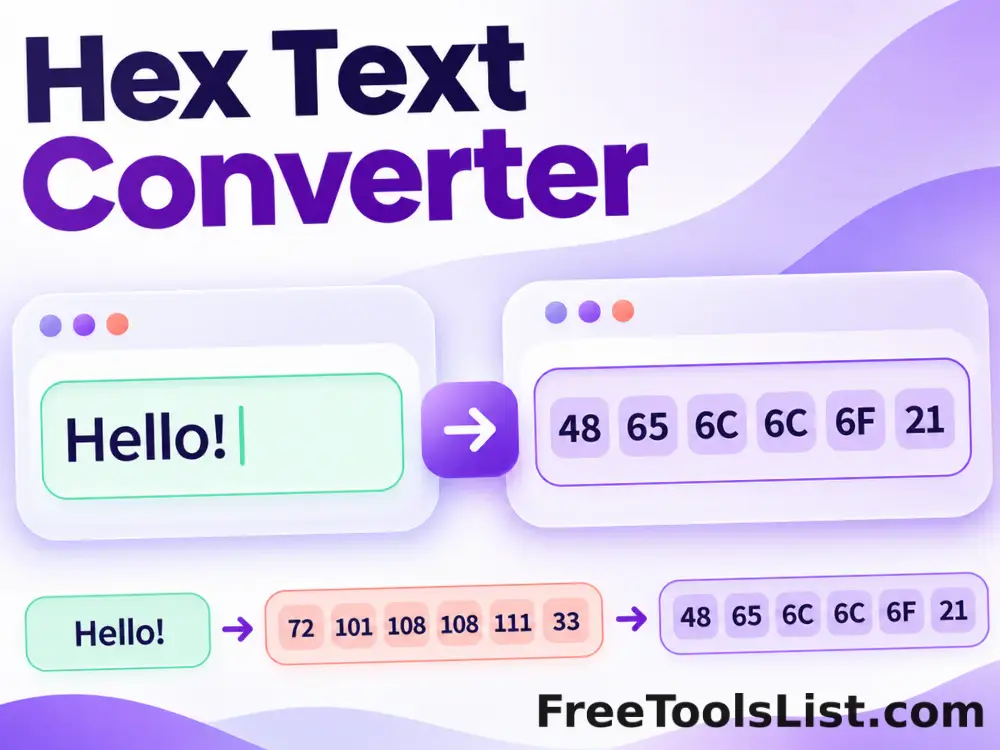
Hex Text Converter tool previewHTText

Hex Text Converter

Encode text as hexadecimal UTF-8 bytes or Unicode code points, then decode valid hexadecimal sequences back to text.

Italic Text Generator tool previewITText

Italic Text Generator

Create copyable Unicode italic and bold-italic text without requiring rich-text formatting.

Octal Text Converter tool previewOTText

Octal Text Converter

Encode text as octal UTF-8 bytes or Unicode code points and decode valid base-eight sequences back into readable text.

Reverse Text Generator tool previewRTText

Reverse Text Generator

Reverse grapheme characters, words, lines or each line, with optional mirror and upside-down Unicode effects.

Small Caps Generator tool previewSCText

Small Caps Generator

Convert ordinary letters into copyable Unicode small-cap characters with an accessible plain-text preview.

Superscript & Subscript Generator tool previewSSText

Superscript & Subscript Generator

Convert supported letters, numbers and symbols into copyable Unicode superscript or subscript characters.

Text to Binary Converter tool previewTTText

Text to Binary Converter

Convert text to eight-bit UTF-8 binary values or Unicode code points and decode binary sequences back to readable text.

Unicode Fancy Text Generator tool previewUFText

Unicode Fancy Text Generator

Preview and copy multiple Unicode alphabets including bold, italic, script, double-struck, monospace and small caps.

Unicode Text Fixer tool previewUTText

Unicode Text Fixer

Normalize compatibility characters and common lookalikes back into searchable, editable plain text.

Zalgo Glitch Text Generator tool previewZGText

Zalgo Glitch Text Generator

Generate copyable Unicode glitch text with separate upward, middle and downward combining marks, four intensity levels, a readable live output and a visual canvas preview.

Add Line Breaks by Length tool previewALText

Add Line Breaks by Length

Wrap text at a maximum line length using exact character chunks or word boundaries, while preserving existing lines when needed.

Add Line Breaks by Text tool previewALText

Add Line Breaks by Text

Insert a new line before, after or instead of matching text, with literal, case-sensitive and regular-expression controls.

Add Text to Each Line tool previewATText

Add Text to Each Line

Add a prefix, suffix or line number to every line, with placeholders and empty-line handling, entirely in your browser.

ASCII Art Text Generator tool previewAAText

ASCII Art Text Generator

Turn short text into copyable ASCII artwork with selectable character palettes, font styles, output width, density inversion and a downloadable canvas preview.

Case Converter tool previewCCText

Case Converter

Convert upper case to lower case, lower case to upper case, sentence case, capitalized case, alternating case, title case, inverse case and developer naming styles instantly.

Change Case Converter tool previewCCText

Change Case Converter

Convert text between uppercase, lowercase, sentence, title, alternating, secure random case and developer-friendly naming styles.

PublishedUpdated