Private browser utility

JSON Merge Tool

Combine two or more validated JSON documents with top-level overwrite, recursive deep merge, array append or complete-value append modes and clean downloads.

● Browser-local processing · Copy and download · No account

JSON Merge Tool workspace

Use explicit controls, inspect the complete result and export only after review.

Local · no upload

Loading the local JSON Merge workspace…

Quick Tool Overview

Merge JSON with every important option visible.

The JSON Merge Tool helps you join configuration fragments, API examples, translation files, settings and other structured documents in a predictable input order. Processing stays inside this browser tab, and exported files are created as new local results.

Inputs are parsed independently and combined from top to bottom with the selected overwrite, recursive or append behavior before being serialized once.

J+JFocused workflow
LOCALPrivate processing
DETAILReviewable output
0Accounts needed
Review before use. Merging can replace or reshape data when types differ at the same path. Inspect every conflict and never assume that one merge policy fits all application schemas.
Transparent controls

Turn source input into a result you can inspect.

Validation, statistics and visible options make the workflow easier to reproduce.

Open JSON Merge

About the Tool

What the JSON Merge Tool does.

Primary purpose

Use this page to join configuration fragments, API examples, translation files, settings and other structured documents in a predictable input order.

Transparent method

Inputs are parsed independently and combined from top to bottom with the selected overwrite, recursive or append behavior before being serialized once.

Private inputs

Text, files and values remain in the current browser tab during processing.

Original-safe workflow

Selected local files are read only. Downloads are always created separately.

Visible validation

Invalid values and unsupported structures are reported before export.

Important limitation

Merging can replace or reshape data when types differ at the same path. Inspect every conflict and never assume that one merge policy fits all application schemas.

Key Features

A complete json merge workspace.

∑

Two or more inputs

Add and remove independent JSON editors in the exact merge order.

↔

Four merge behaviors

Choose top-level overwrite, deep array append, deep array replacement or a complete-value array.

✓

Per-input validation

A single invalid document blocks the result and reports the parse problem.

⌂

Readable or compact output

Beautify the merged result or produce a minified document.

How to Use the JSON Merge Tool

Complete the task in five detailed steps.

Add JSON inputs

Paste at least two complete JSON documents.

Step 1: Keep a source copy or record of the assumptions for comparison.

Arrange the order

Later documents take precedence where the chosen mode replaces values.

Step 2: Keep a source copy or record of the assumptions for comparison.

Choose a merge mode

Decide how nested objects, arrays and conflicting scalar values should combine.

Step 3: Keep a source copy or record of the assumptions for comparison.

Merge and inspect

Validate every source and review the complete merged output.

Step 4: Keep a source copy or record of the assumptions for comparison.

Copy or download

Export only after checking important conflict paths.

Step 5: Keep a source copy or record of the assumptions for comparison.

Ready to begin?

Create a clean, reviewable result locally.

No sign-up, remote processing queue or source overwrite.

Merge JSON →

Frequently Asked Questions

Popular json merge questions.

Deep merge walks through nested objects. This page can either append matching arrays or replace them with the later array.

Inputs are processed top to bottom. When a value is replaced, the later input wins.

Yes. It works locally without an account, subscription, watermark or usage quota.

No. The calculation or data transformation runs inside the current browser tab.

Review the output in the destination context first. Merging can replace or reshape data when types differ at the same path. Inspect every conflict and never assume that one merge policy fits all application schemas.
Keep exploring

Similar Tools

Continue with related free tools selected from this category and the wider directory.

20 tools
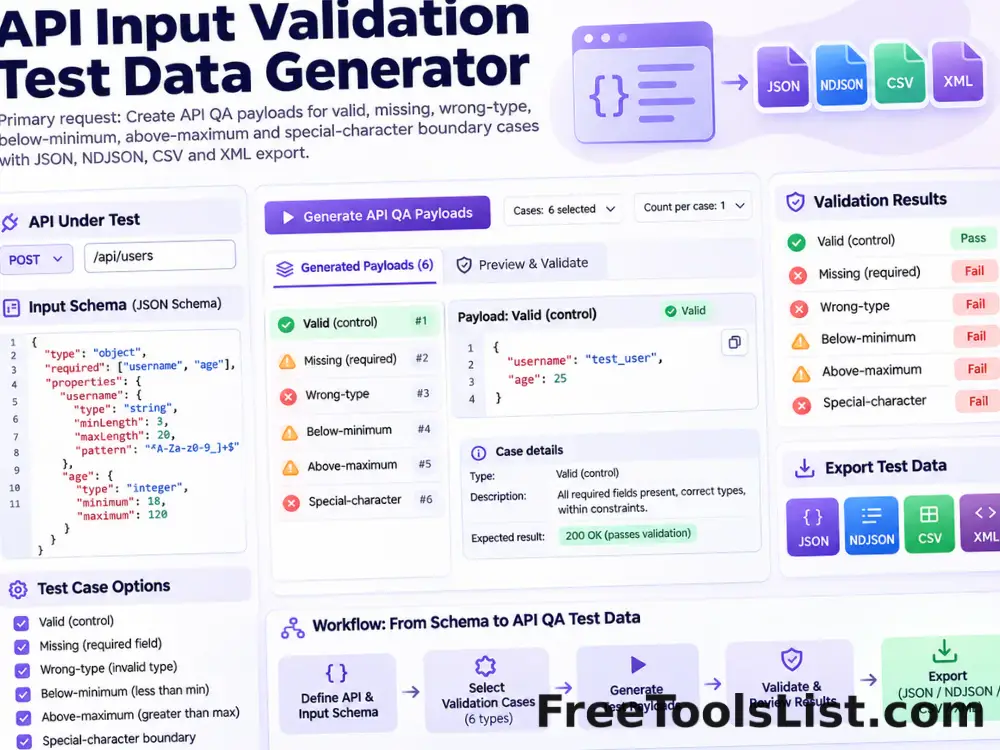
API Input Validation Test Data Generator tool previewAIDeveloper

API Input Validation Test Data Generator

Create authorized API QA payloads for valid, missing, wrong-type, below-minimum, above-maximum and special-character boundary cases, then export JSON, NDJSON, CSV or XML.

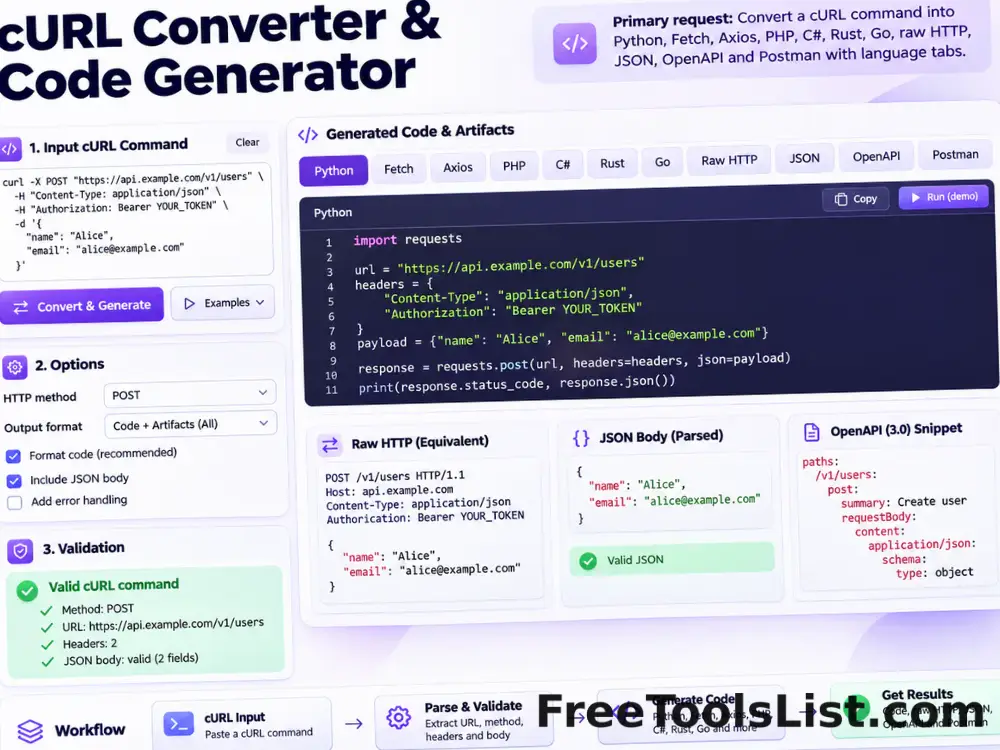
cURL Converter & Code Generator tool previewCCDeveloper

cURL Converter & Code Generator

Convert a cURL command into Python requests, Fetch, Node Axios, jQuery AJAX, PHP, C#, Rust, Go, raw HTTP, parsed JSON, OpenAPI or a Postman collection entirely in your browser.

Dummy JSON Data Generator tool previewDJDeveloper

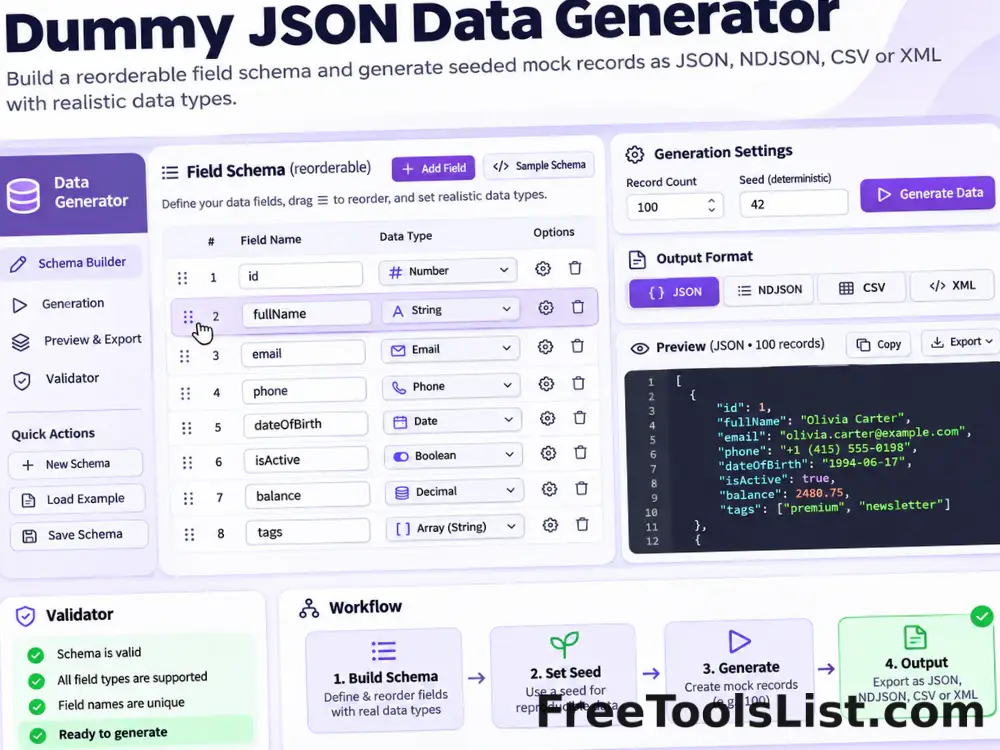
Dummy JSON Data Generator

Build a reorderable field schema and generate seeded mock records as JSON, NDJSON, CSV or XML with realistic names, emails, UUIDs, dates, URLs and other data types.

JSON & YAML Converter, Formatter & Validator tool previewJYDeveloper

JSON & YAML Converter, Formatter & Validator

Convert JSON to YAML or YAML to formatted JSON, validate syntax, choose indentation, sort keys and inspect the preserved structure before downloading.

JSON Flattener tool previewJFDeveloper

JSON Flattener

Flatten nested JSON objects and arrays into a simple path-to-value object using dot, slash or bracket notation with depth and array controls plus JSON and CSV export.

JSON Formatter tool previewJFDeveloper

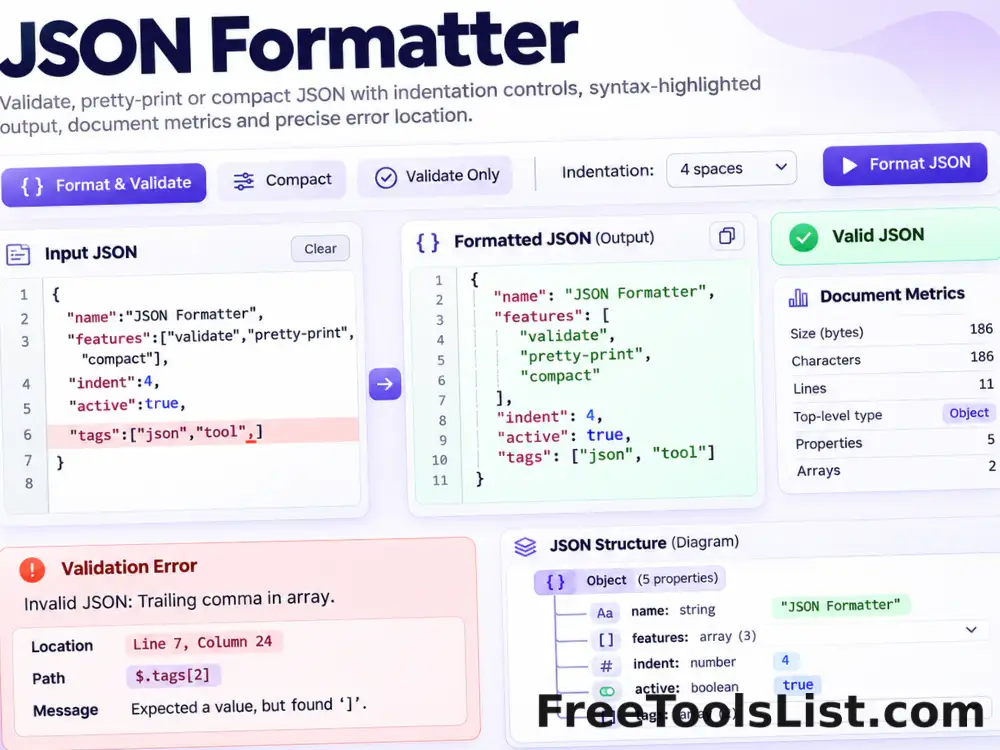
JSON Formatter

Validate, pretty-print or compact JSON with spaces or tabs, highlighted output, precise errors and local downloads.

JSON Sort Keys tool previewJSDeveloper

JSON Sort Keys

Sort JSON object keys ascending or descending with natural, alphabetic and case-sensitive comparisons, recursive control, optional scalar-array sorting and clean output.

JSON to Code Model Generator tool previewJTDeveloper

JSON to Code Model Generator

Convert JSON objects and arrays into C# classes, Java POJOs, Python TypedDicts, Go structs or TypeScript interfaces with recursive nested types and serialization mappings.

JSON to Sheets Converter tool previewJTDeveloper

JSON to Sheets Converter

Turn JSON arrays and objects into CSV or tab-separated spreadsheet data with nested-key flattening, preview, copy and download.

JSON to XML Converter tool previewJTDeveloper

JSON to XML Converter

Convert valid JSON objects, arrays and primitive values into readable XML with configurable root and array-item element names, validation, copy and download.

JSON Viewer & Tree Inspector tool previewJVDeveloper

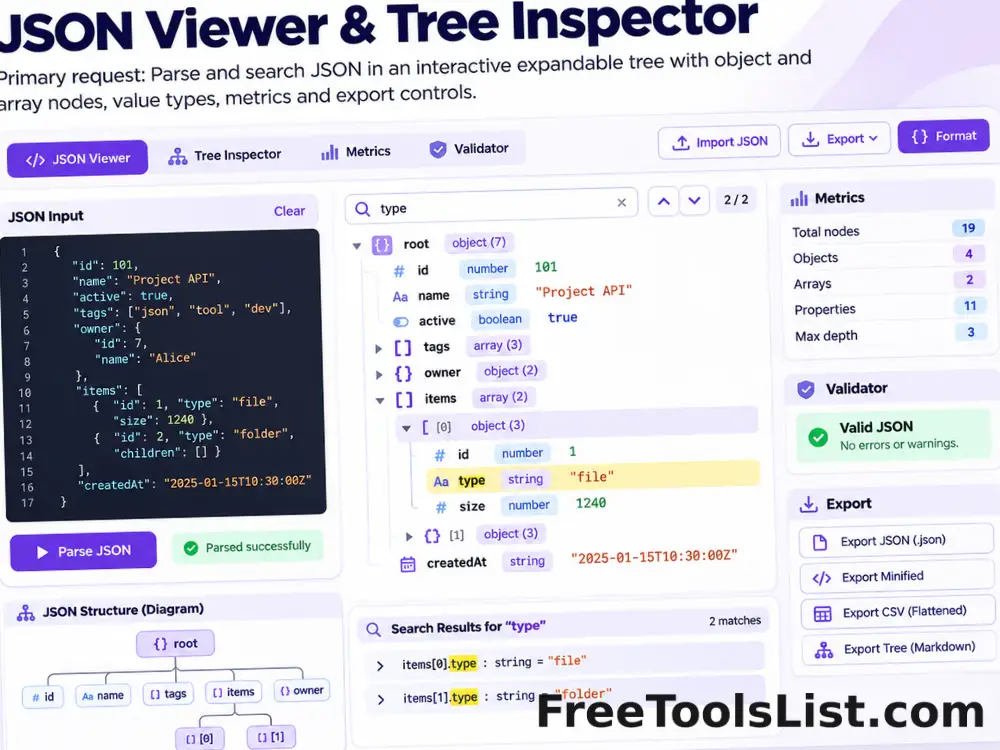
JSON Viewer & Tree Inspector

Parse, validate, format, search and explore JSON in an interactive expandable tree with document metrics and local JSON or CSV export.

JSON, XML & YAML Key Extractor tool previewJXDeveloper

JSON, XML & YAML Key Extractor

Extract JSON and YAML property names or full paths plus XML element and attribute names with namespace, uniqueness, sorting and export controls.

JWT Decoder & Claims Inspector tool previewJDDeveloper

JWT Decoder & Claims Inspector

Decode JSON Web Token header and payload segments, format UTF-8 claims, translate iat, nbf and exp timestamps, flag expiration state and review everything on a private canvas without verifying or uploading the token.

Mock JWT Generator tool previewMJDeveloper

Mock JWT Generator

Build custom JSON claims, add issued-at, expiration and unique identifiers, create one or many local HS256 test tokens and preview decoded header and payload segments before download.

Mock Server Log Generator tool previewMSDeveloper

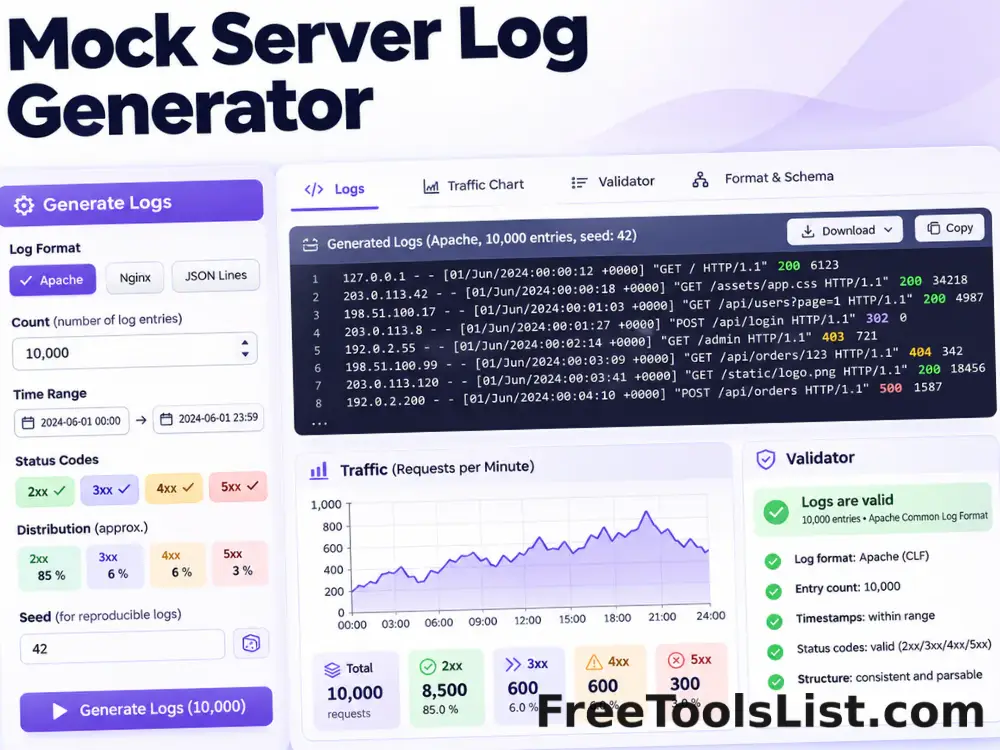
Mock Server Log Generator

Generate seeded Apache combined, Nginx combined or JSON Lines server logs with configurable counts, times, status distributions and realistic request fields, plus a visual traffic canvas.

Regex Dummy Data Generator tool previewRDDeveloper

Regex Dummy Data Generator

Generate validated sample strings from common regex alternatives, character classes, groups and quantifiers, then export text, JSON or CSV.

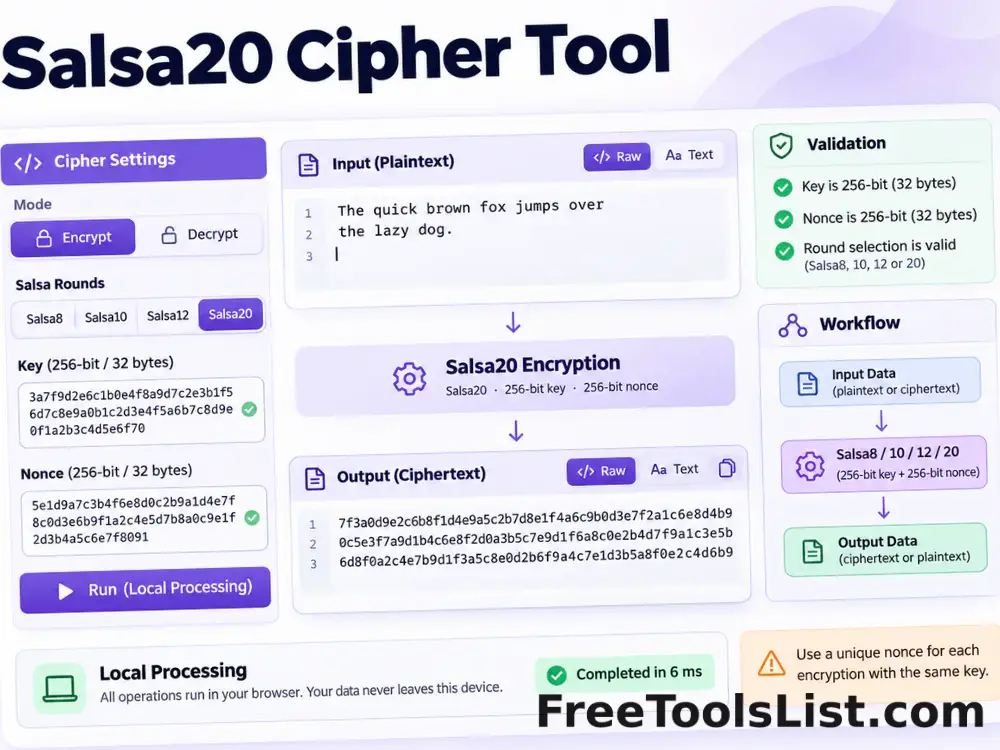
Salsa20 Cipher Tool tool previewSCDeveloper

Salsa20 Cipher Tool

Encrypt or decrypt data with Salsa8, Salsa10, Salsa12 or Salsa20 using a 256-bit key and 64-bit nonce entirely in your browser.

Sheets to JSON Converter tool previewSTDeveloper

Sheets to JSON Converter

Transform pasted spreadsheet, CSV or TSV rows into six practical JSON structures with delimiter detection, filters and type inference.

Stringify JSON Online tool previewSJDeveloper

Stringify JSON Online

Validate a JSON value and serialize its formatted representation into a portable JSON string literal with optional key sorting and HTML-sensitive escaping.

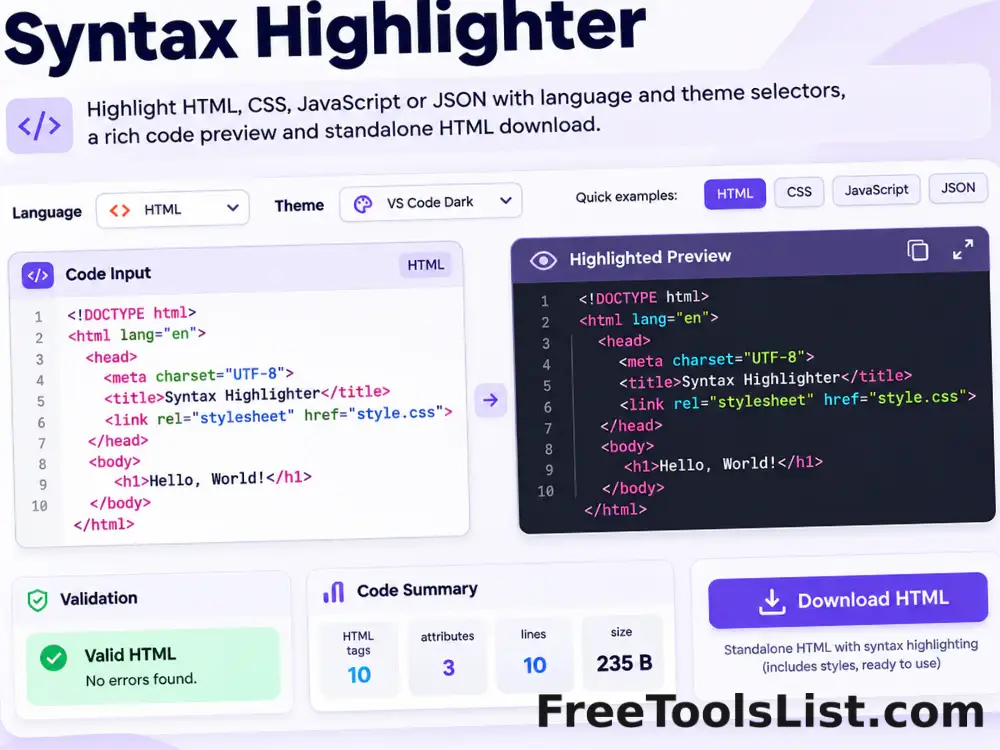
Syntax Highlighter tool previewSHDeveloper

Syntax Highlighter

Highlight HTML, CSS, JavaScript or JSON with selectable themes, a safe preview and downloadable standalone HTML.

PublishedUpdated